Live subscription
Whole family
A complete shared calendar for parents who need every practice, appointment, school event, and game in one place.
All sourcesEvery kidAuto-updates
🚀 Early access — use FIRST50 for 50% off!🚀 We're in early access! Use code FIRST50 to get 50% off any paid plan.
Your family has schedules in TeamSnap, Google Calendar, school portals, and five other apps. BlendedCal merges them into one clean view you can actually rely on.
Scattered feeds
One blended plan
The right version of the night for every helper.
Next handoff
5:30 PM
Quick helper views
Start with your busiest calendar
Works with
Live blended schedule
Three separate feeds become one plan for pickup, practice, games, and who needs the link.
Mia soccer practice
North field - bring cleats
Owen orchestra concert
Middle school auditorium
Nora softball game
Field 4 - grandparents invited
Source feeds
Share-ready calendars
Whole family
All sources
Grandparents game days
Games only
Mia only
Soccer tag
Set it up once, stay in sync forever. No more copy-pasting events or checking five different apps.
Paste in ICS URLs from TeamSnap, GameChanger, Google Calendar, school portals — anything that publishes a calendar feed.
Mix and match sources into calendars that make sense for your life — one for the family, one per kid, one for just games.
Add your blended calendar to any app via ICS link, or share a public web page with family, coaches, or anyone who needs it.
Share without over-sharing
One blended schedule can become focused calendars for each person who helps keep the week moving.
Start with the feeds you already have
A complete shared calendar for parents who need every practice, appointment, school event, and game in one place.
A clean web view with the games, concerts, and performances they want, without the daily pickup noise.
A focused subscription for the people handling rides, handoffs, and arrival windows this week.
Helper links
Grandparents see the pickup details, carpools see the next ride, and sitters see the care window without digging through the whole family calendar.

Turn team, school, work, and household feeds into focused calendars for each kid, carpool, grandparent, or coach.
Bring TeamSnap, school, Google, work, and shared household calendars into one view, then spot overlapping practices, pickups, and game nights before they collide.
Your schedule is already complicated. Your calendar tool shouldn't be.
Your calendars update automatically.
BlendedCal polls your sources on a regular schedule so new games, practices, and events show up without you lifting a finger. No manual refreshes, no missed updates.
See only what matters to you.
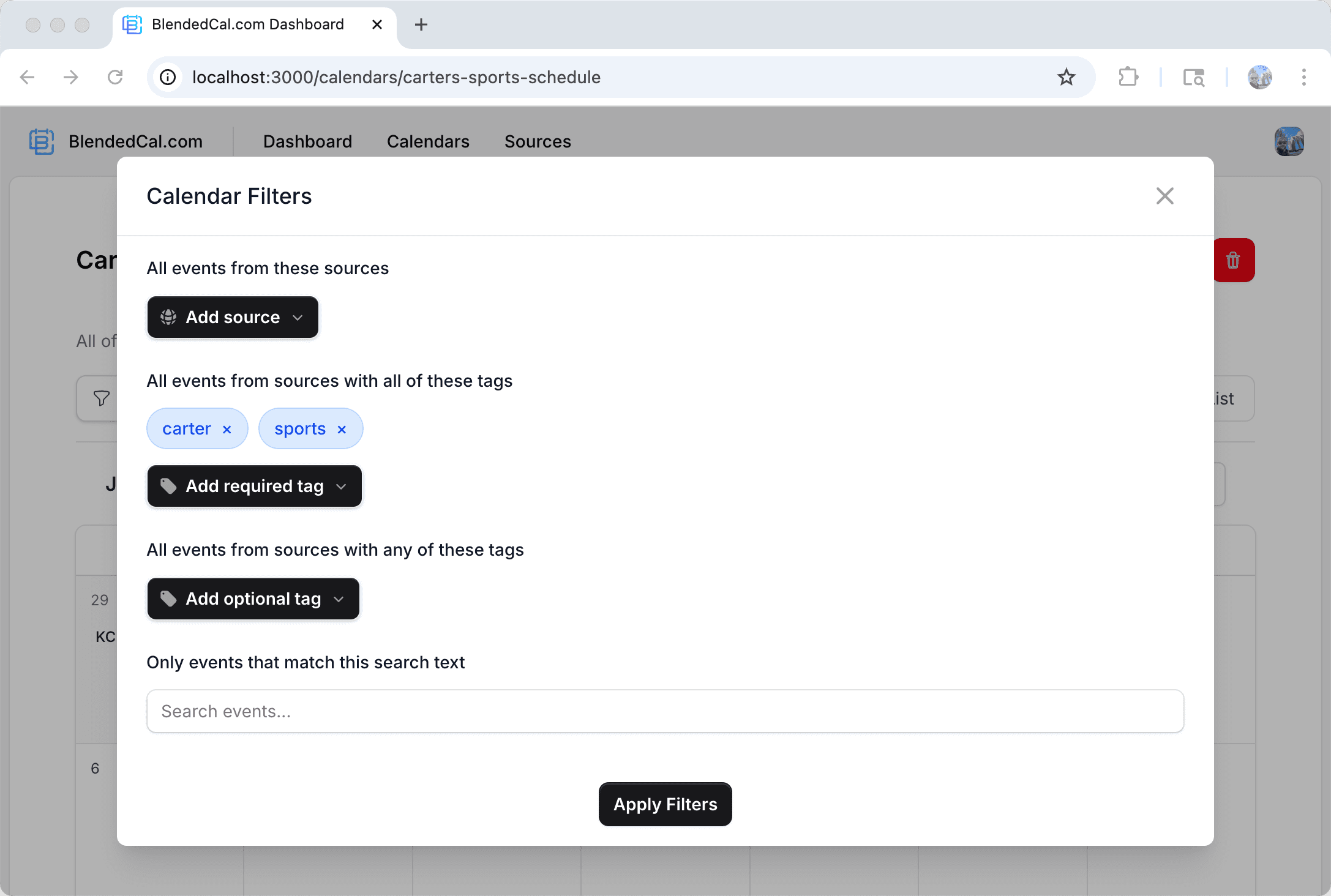
Hide practices and only show games. Filter out events from sources you don't control. Use tags to organize events across multiple sports, schools, or activities — your calendar, your rules.
Give everyone the schedule they need.
Share a public calendar page with grandparents, babysitters, or carpool parents. They get a clean web view — no account required. Or share an ICS link they can subscribe to in their own calendar app.
Send a calendar file when live sync is too much.
Download a dated ICS file for grandparents, co-parents, sitters, or offline helpers who only need this week's plan by email or text.
Your calendars update automatically.
BlendedCal polls your sources on a regular schedule so new games, practices, and events show up without you lifting a finger. No manual refreshes, no missed updates.
See only what matters to you.
Hide practices and only show games. Filter out events from sources you don't control. Use tags to organize events across multiple sports, schools, or activities — your calendar, your rules.
Give everyone the schedule they need.
Share a public calendar page with grandparents, babysitters, or carpool parents. They get a clean web view — no account required. Or share an ICS link they can subscribe to in their own calendar app.
Send a calendar file when live sync is too much.
Download a dated ICS file for grandparents, co-parents, sitters, or offline helpers who only need this week's plan by email or text.
Start with the version of the calendar you need most, then split or share cleaner views as more people need the plan.
Busy families
Pain point
School calendars, team apps, appointments, and shared household events drift into separate places.
Best first view
One shared calendar for school, sports, appointments, and pickup or care handoffs.
Youth sports parents
Pain point
Every league picks a different scheduling app, and Saturday changes are easy to miss.
Best first view
A live sports calendar that combines TeamSnap, GameChanger, Playmetrics, and tournament feeds.
School communities
Pain point
District, classroom, PTO, and activity calendars rarely land in the same place.
Best first view
One school-year view for holidays, picture day, performances, and early-release reminders.
Remote teams
Pain point
Project calendars, on-call rotations, and out-of-office feeds sit across tools.
Best first view
A shared availability calendar for launches, rotations, and cross-time-zone handoffs.

Set up in under 2 minutes. Free forever for up to 3 sources. No credit card required.
Get started for freeNo hidden fees, no per-calendar charges. Just pick the plan that fits how many sources you need to wrangle.
Great for trying it out with a single family calendar.
$0
For families managing multiple kids and activities.
$2/mobilled annually
For coaches, organizers, and power schedulers.
$4/mobilled annually

Practical answers for turning messy family, school, sports, and helper schedules into calendars people can actually use.
BlendedCal works with ICS subscription links from TeamSnap, GameChanger, school, Google, Apple, or Outlook calendars, plus many other apps that can publish a calendar URL.
Yes. Add every source once, tag feeds by kid, team, school, or activity, then create focused calendars for one child, all sports, pickup logistics, or any helper-specific view.
Use text filters, source filters, tags, and event exclusions to quiet noisy league and school calendars without losing the source feed for later.
Share a live public page or subscription link for the exact calendar they need. They can open the web page or subscribe from their own calendar app.
BlendedCal keeps the subscription feed current, but calendar apps decide how often to refresh subscribed calendars. The public web page is the quickest way to see the latest version.
Yes. Build separate calendars for each audience so helpers only receive the events, locations, and timing that matter for their role.
You can start with a free account to try the core flow. Paid plans unlock higher limits and team features for families or groups managing more complicated schedules.
Definitely. BlendedCal is designed around busy families, but the same merge, filter, and share tools work for teams, clubs, churches, and volunteer schedules.
Email support@blendedcal.com with the calendar link if you can share it, the app it came from, and the view you are trying to build.


